In a landscape teeming with digital tools and solutions, the allure of “all-in-one” packages can be tempting, but I’ve found that lightweight plugins often outperform them in crucial ways. These nimble tools not only enhance performance with faster load times and reduced resource consumption, but they also offer unparalleled flexibility, modular design, and customization. Join me as I explore how these plugins can lead to cost-effective, user-friendly experiences that simplify maintenance and support, ultimately driving better outcomes for your projects.
Definition and Purpose
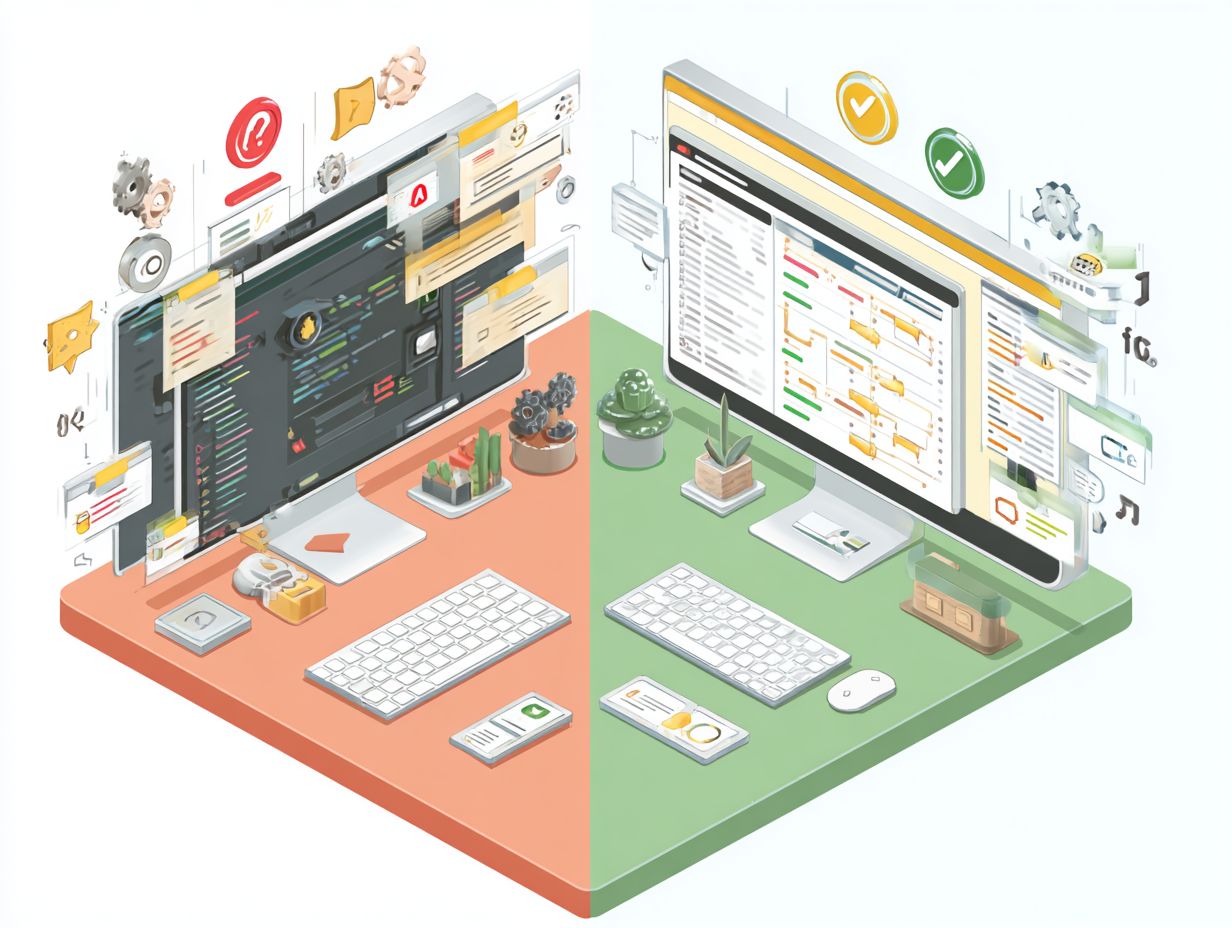
Lightweight plugins serve as streamlined extensions that concentrate on essential features, ensuring my website remains fast and responsive without unnecessary overhead.
By utilizing plugins such as WP Fastest Cache and Autoptimize, I can significantly enhance my site’s performance metrics. WP Fastest Cache reduces loading times by generating static HTML files and leveraging browser caching, while Autoptimize focuses on optimizing my site’s CSS, JavaScript, and HTML for quicker rendering, which improves website speed and site responsiveness.
Implementing these plugins is typically a straightforward process: I simply install them from my dashboard, activate them, and adjust the settings according to my site’s requirements.
Together, they contribute to maintaining a smooth user experience, making my website more appealing and user-friendly.
Overview of All-in-One Solutions
All-in-one solutions integrate multiple functionalities into a single package, providing convenience but often at the cost of performance and user experience. For example, Elementor is a powerful all-in-one page builder that offers a wide array of design features; however, users might encounter sluggish loading times, particularly on larger sites.
On the other hand, GeneratePress emphasizes speed and performance, enabling lightweight customization with minimal bloat, ensuring enhanced performance across all web functionalities. When weighing these options, it is important to consider the size of your website and your specific requirements.
For smaller sites, GeneratePress may deliver a more streamlined experience, while larger, more complex sites could benefit from the comprehensive features of Elementor, though this may come with the trade-off of slower load times and potential conflicts.
Performance Benefits
I have found that implementing lightweight plugins can significantly enhance my site’s performance, leading to faster load times and improved user engagement.
Faster Load Times
I have found that websites utilizing lightweight plugins can achieve impressive load times as low as 1.5 seconds, which significantly impacts both search engine rankings and user retention.
To enhance my site’s speed, I consider implementing Lazy Load by WP Rocket, which delays the loading of images until they are visible on the user’s screen, potentially reducing initial load time by up to 50%. Another effective option is Autoptimize, which optimizes my site’s HTML, CSS, and JavaScript.
When I use these tools in combination, I can significantly boost my Google PageSpeed Insights score while keeping bounce rates low.
It’s essential for me to regularly monitor my site’s speed using Google’s PageSpeed tool to ensure continuous improvements.
Reduced Resource Usage
By minimizing resource usage, I find that lightweight plugins enable servers to accommodate more concurrent users, resulting in improved overall site performance under load, enhancing server load management and infrastructure reliability.
For example, when I compare a standard SEO plugin to a lightweight alternative like Rank Math, the difference in CPU and memory overhead is quite significant. A traditional plugin may consume around 20 MB of memory, while Rank Math typically operates using only 5 MB.
This reduction in resource usage means that during peak traffic periods, my server can support more visitors without experiencing slowdowns.
Additionally, using tools like Query Monitor allows me to identify which plugins are most taxing on my resources, providing valuable insights for optimizing my website’s performance.
Flexibility and Customization
I find that lightweight plugins enable me to develop customized functionality, providing greater flexibility while maintaining optimal site performance.
Tailored Functionality

Utilizing lightweight plugins allows me to customize features based on specific needs, which reduces unnecessary clutter and enhances the user experience through streamlined functionality and modular design. For example, I find that Custom Post Type UI enables me to create bespoke content types effortlessly without overwhelming options.
Another valuable tool I employ is Advanced Custom Fields, which allows me to add tailor-made fields to my WordPress posts and pages. For database management, I opt for a plugin like WP Migrate DB, ensuring smooth data transitions without adding unnecessary bloat.
Additionally, tools like Query Monitor provide real-time performance insights, enabling me to make quick adjustments as needed. By choosing these focused plugins, I can maintain site efficiency and effectively streamline my workflows.
Easy Integration with Other Tools
I find that lightweight plugins often come with excellent integration capabilities, allowing them to work seamlessly with other tools and significantly enhancing overall workflow efficiency and plugin ecosystem compatibility.
For example, YITH plugins designed for WooCommerce can boost e-commerce functionality without sacrificing speed. The YITH WooCommerce Wishlist lets customers save products for later, while the YITH Product Slider offers an appealing way to showcase merchandise. Both plugins are fully compatible with the WooCommerce ecosystem, ensuring smooth updates and transitions.
Additionally, pairing tools like Elementor with lightweight plugins allows for effortless page building, further enhancing user experience without compromising performance. By selecting the right combination of these tools, I can achieve a streamlined workflow and improved customer engagement.
Maintenance and Updates
I find that maintaining lightweight plugins significantly reduces complexity, which results in quicker updates and more streamlined support processes for both developers and users.
Less Complexity in Updates
I find that lightweight plugins generally have fewer dependencies, which simplifies the update process and minimizes the risk of conflicts with other plugins or themes. This streamlined approach offers notable advantages. For instance, WP Simple Pay recently released an update that integrated seamlessly, with no reported issues.
On the other hand, heavier plugins often require extensive compatibility checks, which can result in downtime. This efficiency is beneficial for users, as they save time and reduce frustration-applying the update usually takes just a few clicks.
Additionally, the quicker update cycle of lightweight plugins often translates to improved security. They can respond swiftly to vulnerabilities, ensuring that my site remains protected against potential threats.
Focused Support and Development
I prioritize focused support, enabling developers of lightweight plugins to address user concerns efficiently and effectively, which ultimately enhances user satisfaction and loyalty.
For example, I appreciate how WPForms has a dedicated support team that responds to inquiries within hours, often backed by an active community forum. Users consistently emphasize the quick turnaround on troubleshooting issues, which allows for immediate resolutions and reinforces user satisfaction.
This agile response system not only resolves problems swiftly but also cultivates a sense of community among users who share tips and experiences. Such a collaborative environment greatly contributes to a smoother user experience, ensuring that developers can continuously refine their plugins based on direct feedback and real-world use cases.
Cost-Effectiveness
I have found that lightweight plugins often provide a superior return on investment. By reducing hosting costs and enhancing site performance, they lead to significant long-term savings.
Pricing Models Comparison

Upon comparing pricing models, I have found that lightweight plugins can deliver comparable functionalities at a significantly lower cost, typically ranging from free to $50.
For example, Elementor Free allows users to create basic designs without incurring any expenses, while Elementor Pro, priced at $49, provides advanced features such as theme building and premium support.
In the same vein, Beaver Builder offers a robust annual plan at $99, which is well-suited for professionals seeking strong design capabilities.
Opting for a lightweight plugin not only contributes to cost savings but also enhances website performance, as these tools tend to include fewer bloatware elements.
Ultimately, evaluating my specific needs and the potential user base will guide my selection among these cost-effective options.
Long-Term Savings
Investing in lightweight plugins can lead to significant long-term savings by reducing the necessity for extensive server upgrades and minimizing downtime.
For instance, I consider using a lightweight caching plugin like WP Fastest Cache, which costs approximately $50 and effectively enhances site speed without demanding excessive resources.
In comparison, a heavier alternative might cost around $200 for more comprehensive features, but it could also place a strain on my server. Over time, the lightweight option alleviates server load, which can translate into lower hosting fees.
If I opt for a more efficient hosting plan as a result of reduced resource demands, my savings could reach up to $500 annually. Thus, prioritizing lightweight plugins not only enhances performance but also optimizes overall costs, reducing technical debt and maintenance overhead.
User Experience
I find that incorporating lightweight plugins significantly enhances user experience by improving usability, optimizing website design, and simplifying development time.
This approach makes it easier for visitors to navigate my site effectively, improving web performance and scalability.
Simplicity and Usability
The simplicity of lightweight plugins significantly enhances usability ratings, making websites more user-friendly and optimizing user interface for individuals of all skill levels.
For example, utilizing a plugin like Simple Sitemap can create a clear and mobile-friendly navigation experience by generating an easily accessible sitemap. This enables users to locate content with minimal clicks.
Similarly, plugins such as WP QuickInstall facilitate the installation of essential tools, reducing setup time for newcomers. By concentrating on core functionalities, these plugins prevent users from feeling overwhelmed by superfluous features, thereby improving overall site engagement and satisfaction.
By prioritizing usability and minimizing development overhead, I not only enhance the user experience but also position my site for increased traffic and return visits.
Reduced Learning Curve and Plugin Efficiency
I have observed that users often experience a reduced learning curve with lightweight plugins, which facilitates quicker adoption and minimizes training time for teams. This streamlined approach can lead to significant improvements in productivity.
For example, teams utilizing plugins like Elementor report a 40% faster onboarding process compared to those using heavier alternatives. Lightweight plugins typically feature intuitive interfaces, allowing users to navigate functionalities and customize settings without the need for extensive manuals.
Many organizations find that adopting such tools not only enhances user engagement but also reduces the volume of support queries, ultimately freeing up time for more strategic tasks. Integrating lightweight plugins can significantly improve both learning efficiency and user satisfaction.
Choosing the Right Solution for Your Needs and Content Management
Evaluating plugins based on my specific needs is essential, as the right choice can yield both immediate and long-term benefits for my site. I begin by identifying my primary requirements, such as speed optimization or SEO enhancement.
For example, if caching is a priority, I might consider WP Super Cache, which is recognized for its simplicity and effectiveness, or W3 Total Cache for more advanced capabilities. I also ensure that the plugin is compatible with my WordPress version and that it receives regular updates. User feedback is another critical factor; I pay close attention to trending reviews, as they can offer valuable insights into common issues and the quality of support available.
To streamline my decision-making process, I create a checklist that focuses on functionality, support, pricing, and performance metrics. This organized approach helps me make informed choices that align with my goals.
Frequently Asked Questions

Why should I choose a lightweight plugin over an “all-in-one” solution?
Lightweight plugins are designed to only include the necessary features, making them quicker and more efficient than all-in-one solutions which often include unnecessary features that can slow down your website.
Do lightweight plugins have fewer features than all-in-one solutions?
Lightweight plugins only include the essential features, but they are often more specialized and fine-tuned. This means they can sometimes offer more advanced and specific features than all-in-one solutions.
Will using a lightweight plugin improve my website’s performance?
Yes, using a lightweight plugin can significantly improve your website’s performance. By reducing the amount of code and features, the plugin can run more efficiently and decrease page load times.
Can I still achieve the same results with a lightweight plugin as I would with an all-in-one solution?
In most cases, yes. Lightweight plugins are designed to efficiently perform their intended tasks, so they can often achieve the same results as all-in-one solutions while using fewer resources.
Are lightweight plugins more difficult to set up and use than all-in-one solutions?
No, lightweight plugins are often designed to be user-friendly and easy to set up and use. With fewer features and options, they can be less overwhelming and more straightforward to navigate.
Are lightweight plugins more secure than all-in-one solutions?
In general, lightweight plugins are more secure because they have less code and features that could potentially be vulnerable to cyber attacks. However, it is still important to regularly update and maintain any plugin to ensure maximum security.